
Launching Chat Section

Launching Chat Section
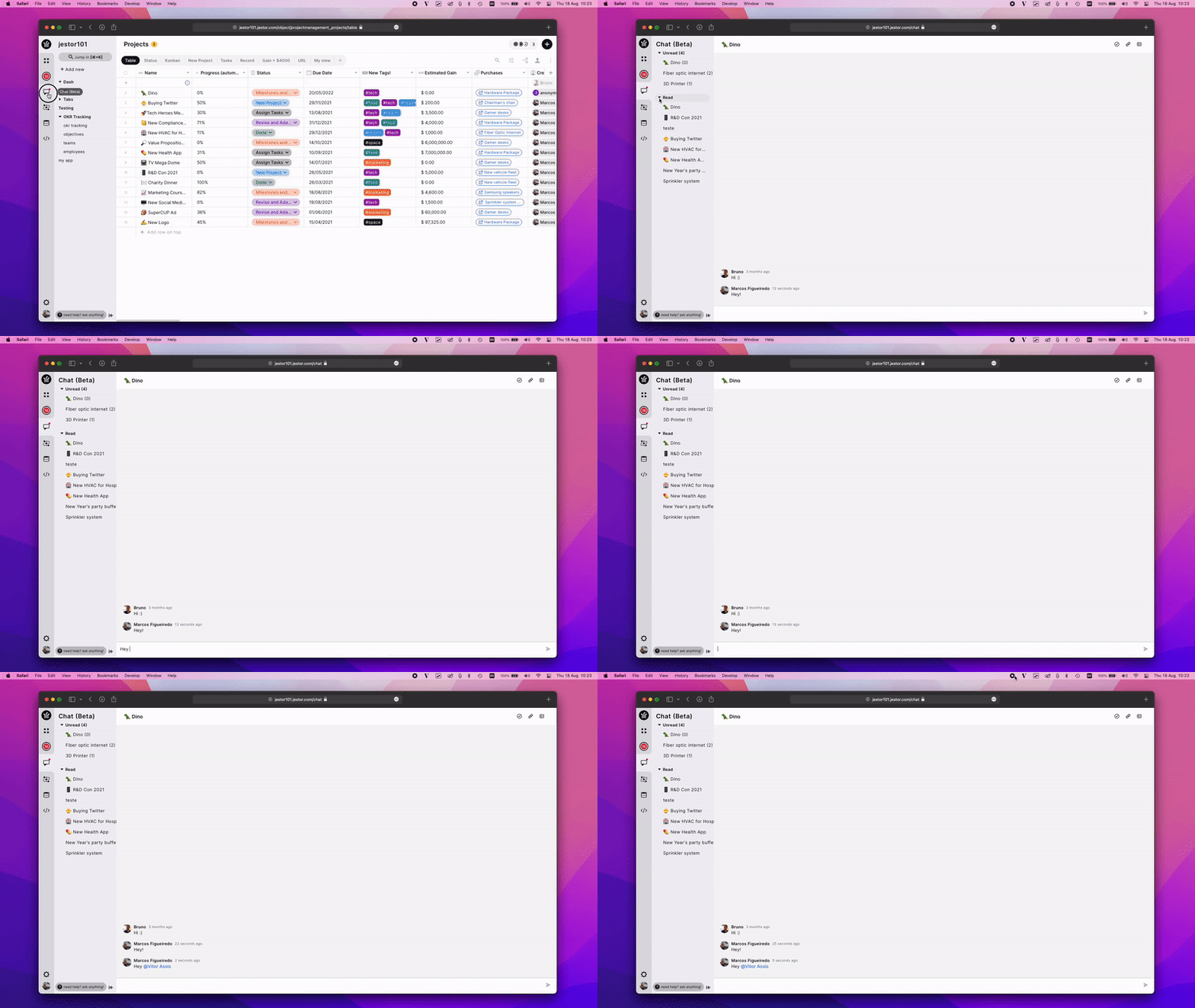
The Jestor’s chat section behaves more like Slack. It’s possible to open a record and see the comments, but also check out Jestor’s chat section on the left menu and see ongoing conversations, with reading and unread messages, and use tables and records as channels.

How to use Jestor chat section?

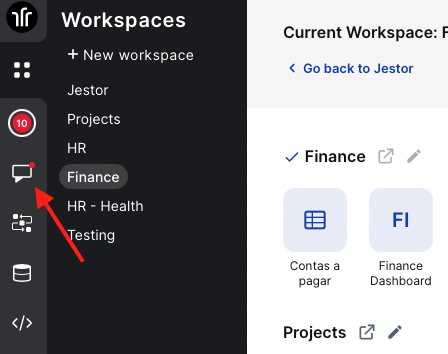
Access it by clicking on the Chat icon on the left menu
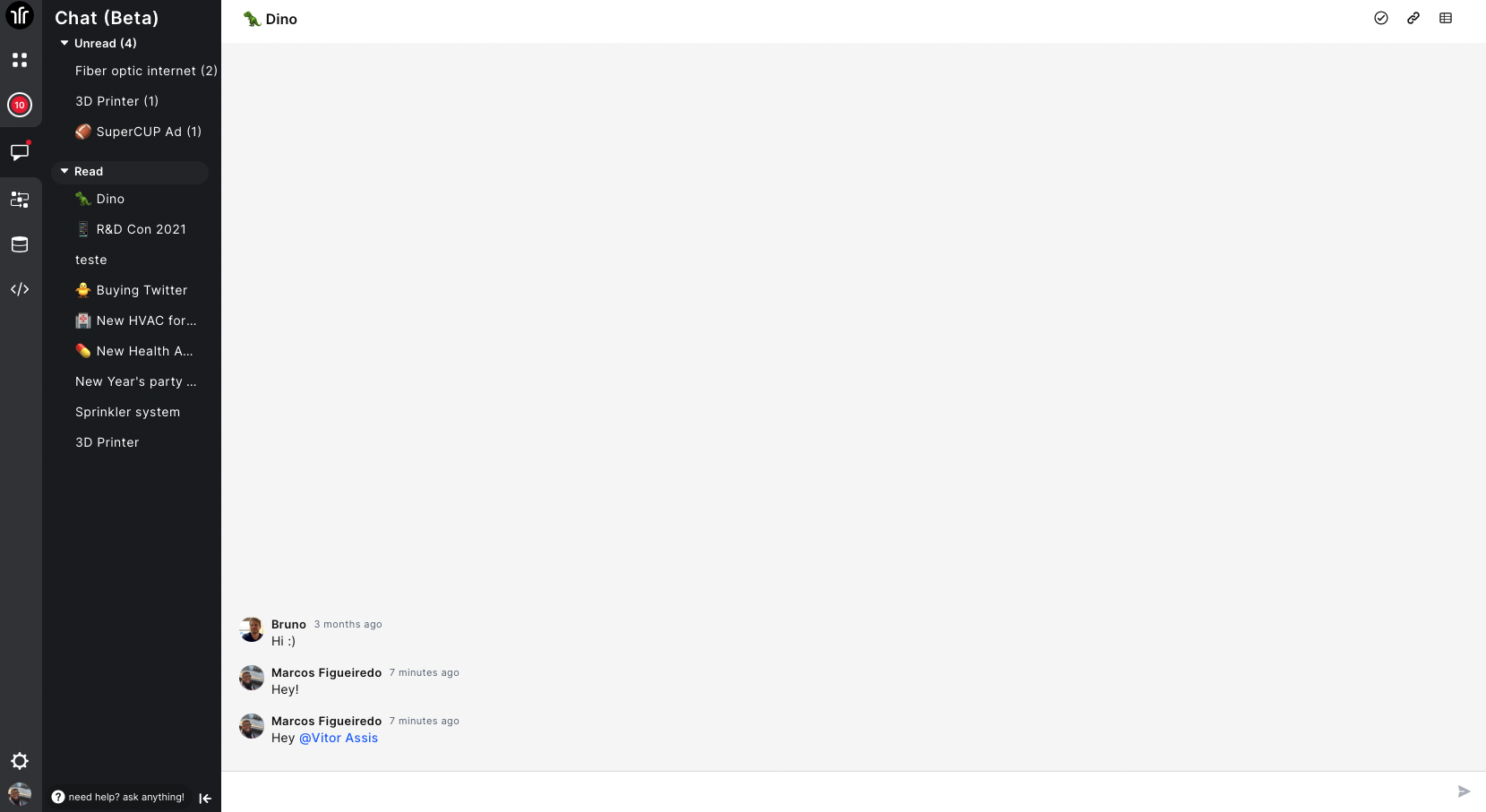
Now you'll have the Unread and Read sections for the Chats you're participating or was tagged
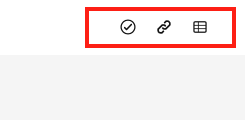
You can also access the record in which that chat is, the tasks of that record or copy the link directly by clicking on the record icon in the upper right corner
Here's our documentations: https://docs.jestor.com/docs/chat-section

Read more

Operational financial management with Jestor: approvals, authorization tiers, and ERP in a single workflow

Suggested Slug: operational-financial-management-jestor-approvals-authorization-tiers-erp Main Keyword: operational financial management Jestor approvals ERP Operational financial management with Jestor: approvals, authorization tiers, and ERP in a single workflow Operational financial management with Jestor means bringing together in a single environment everything that happens between the decision to spend and the ERP record: the

How to centralize approvals from multiple departments integrated with the same ERP

Suggested Slug: centralize-approvals-multiple-departments-same-erp Main Keyword: centralize approvals multiple departments ERP How to centralize approvals from multiple departments integrated with the same ERP Centralizing approvals from multiple departments in a single environment integrated with the ERP means that purchases, expenses, contracts, and payments from marketing, operations, HR, and IT go through