New QUERY Field

New QUERY Field

Leverage SQL to add advanced functions to your table.

- Built-in IDE for fast development.

- Use data from any table in Jestor.

- Validate and test your code before implementing it.

How to create

To create a Query field:

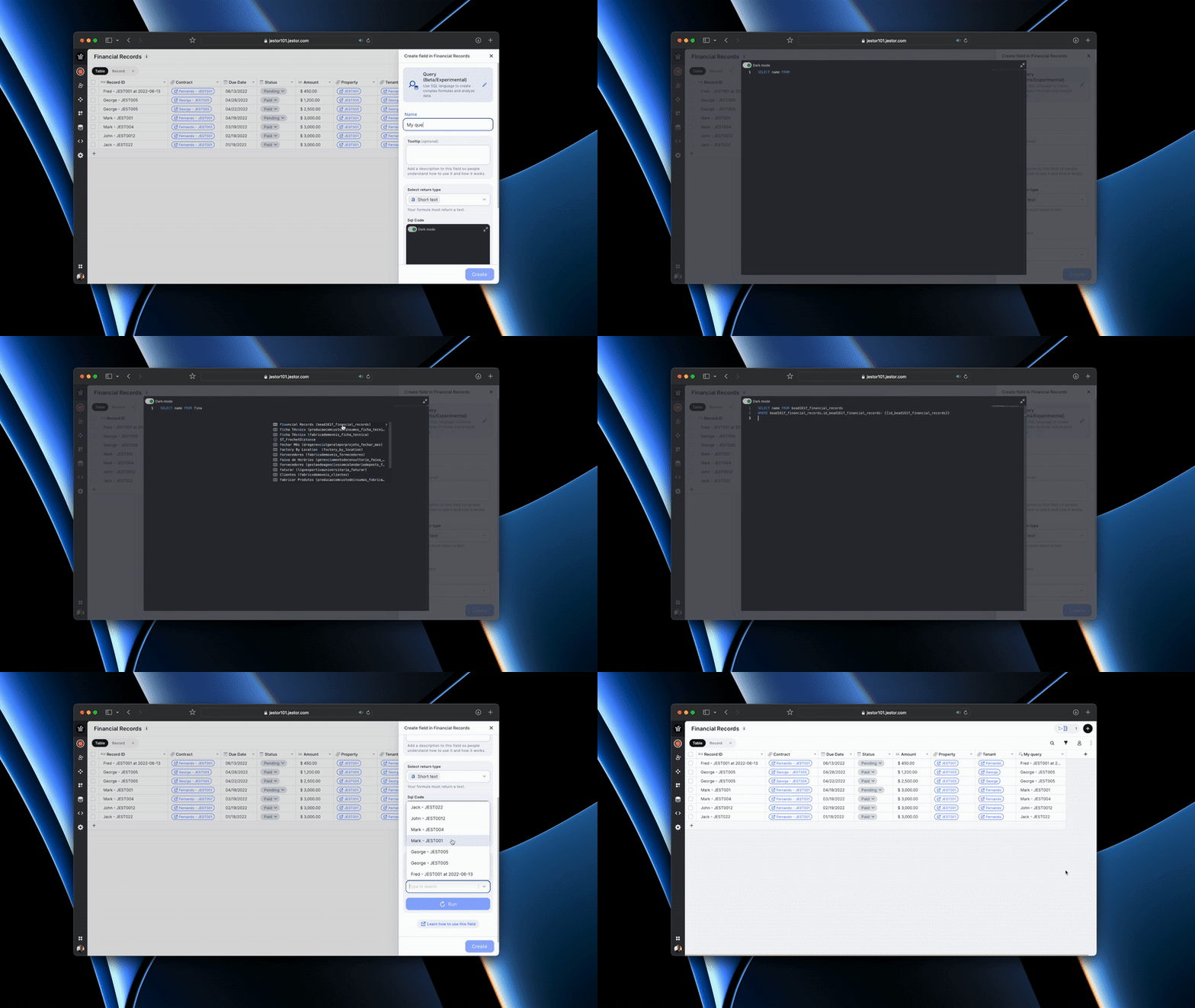
  • On table mode, go to the last table header with a "+", press (F) or click on the "+" on the upper right and this will open the field creation page
  • Just look for the "Query" option and click on it
  • Choose the name of your field
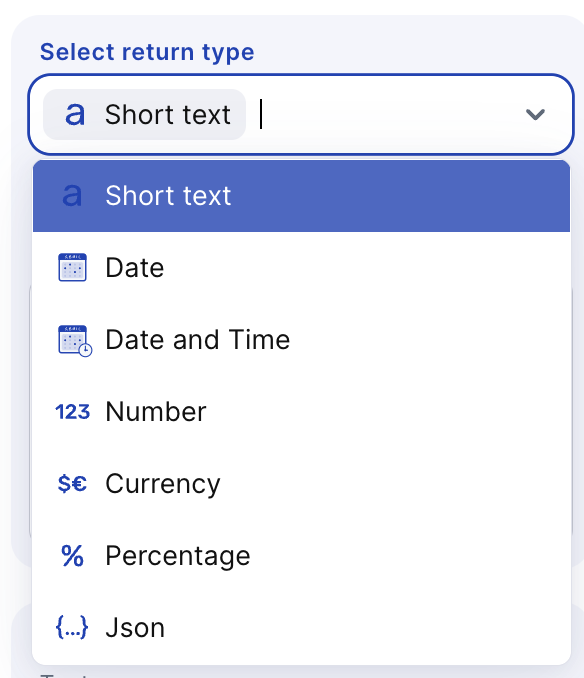
  • Select a return type
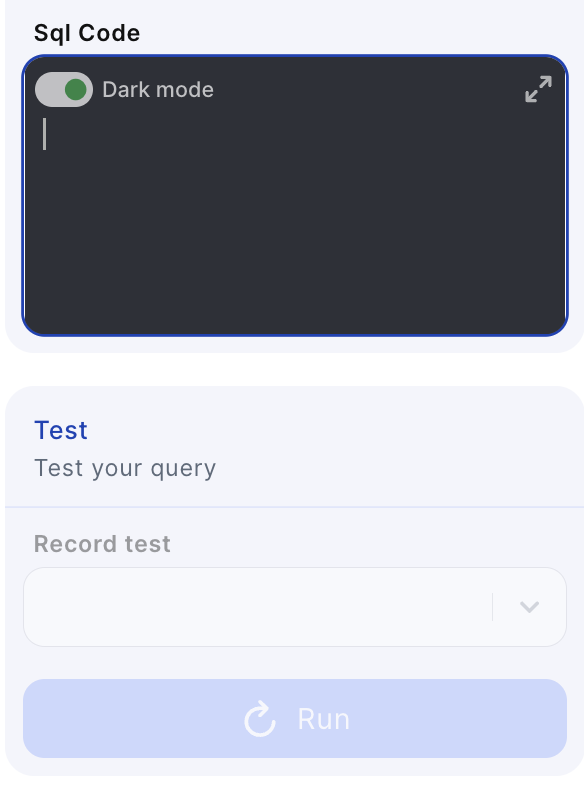
  • Enable or disable Dark mode
  • Expand the box and type your function
  • Then click on Run to test your query

?

You can delete or edit by clicking on the table header name and choosing one of the options

Here’s the complete documentation: https://docs.jestor.com/docs/query-field

Read more

Operational financial management with Jestor: approvals, authorization tiers, and ERP in a single workflow

Suggested Slug: operational-financial-management-jestor-approvals-authorization-tiers-erp Main Keyword: operational financial management Jestor approvals ERP Operational financial management with Jestor: approvals, authorization tiers, and ERP in a single workflow Operational financial management with Jestor means bringing together in a single environment everything that happens between the decision to spend and the ERP record: the

How to centralize approvals from multiple departments integrated with the same ERP

Suggested Slug: centralize-approvals-multiple-departments-same-erp Main Keyword: centralize approvals multiple departments ERP How to centralize approvals from multiple departments integrated with the same ERP Centralizing approvals from multiple departments in a single environment integrated with the ERP means that purchases, expenses, contracts, and payments from marketing, operations, HR, and IT go through